Download the Guidebook App
We are pleased to announce the app for 2026 DSI Annual Conference, powered by Guidebook, is now available. With this resource, you have access to the most up-to-date information as well as networking tools. There will be no hard copies of the program available at the conference as we are paperless this year, so be sure to follow the instructions below. You will be able to find a pdf version of the schedule on our website (decisionsciences.org) a few days before the conference. You can download and print your own copy if you wish from there.
Download the app for 2026 DSI Annual Conference:
Get started here to download on your computer: https://builder.guidebook.com/
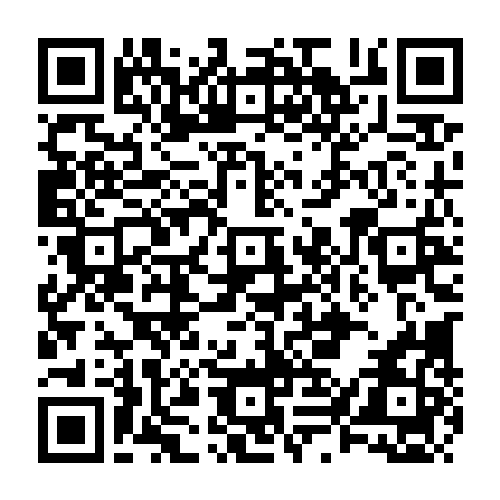
Scan the QR code below to access the guide on your iOS and Android device.
Please use this passphrase: dsi2026
Once you have access to the 2026 DSI Annual Conference you can view the conference program, create your own personal schedule, view conference highlights and info, check out the exhibitors and more.
Once you download and log in to the Guidebook app. You can add sessions and/or events to your My schedule. Use the Search feature at the top to find people, presentations and sessions. (The Search feature in the Conference Program will only locate sessions.)
To add to your personal agenda do the following:
1. Locate the session or event in the Conference Program or use the Search feature. HINT: Search for your name. All your sessions will appear. Add to your My Schedule.
2. Tap the Plus sign (+).
3. Here you can also set a reminder for you to attend that session. This should now appear in your My Schedule.
Please note the order of presentations during the conference will follow what is listed on the Guidebook app.
You can view our Guidebook webpage here.
Download the Guidebook App here